If your website is not ranking on Google, you may start looking for different SEO tricks. One question that many beginners ask is:
“My keywords are not ranking. Can I add my keywords in headings? Will it help my website rank better?”
The simple answer is Yes, you can add keywords in your headings, and it can be helpful. But adding keywords alone will not suddenly move your page to the first position on Google.
Let’s understand this in a simple way.
What Are Headings?
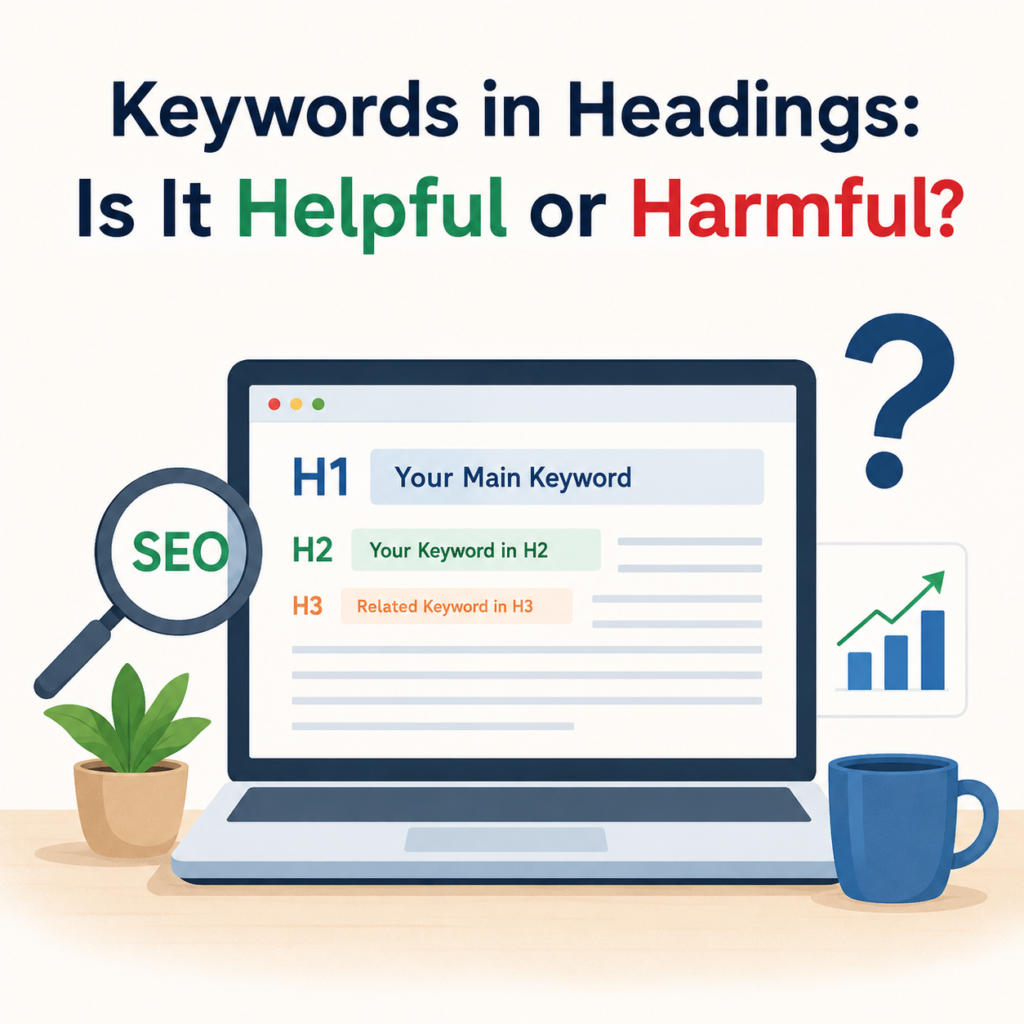
Headings are the titles and subheadings that organize your content. They help both readers and search engines understand what your page is about.
The main heading of your page is called H1, while the smaller sections usually use H2, H3, and so on.
For example:
- H1: Keywords in Headings: Is It Helpful or Harmful?
- H2: Why Are Headings Important?
- H2: Can Keywords in Headings Improve SEO?
- H2: Common Mistakes to Avoid
Good headings make your article easy to read.
Can You Add Keywords in Headings?
Yes, absolutely.
In fact, it is considered a good SEO practice to include your main keyword naturally in your headings whenever it makes sense.
Google reads your headings to understand the topic of your page. If your heading clearly tells what the section is about, it helps search engines understand your content better.
For example, if your keyword is “SEO Tips”, a heading like “Easy SEO Tips for Beginners” is much better than a heading that has nothing to do with SEO.
Will Adding Keywords in Headings Improve Rankings?
This is where many people get confused.
Adding keywords in headings can help, but it is not a magic solution.
If your keyword is not ranking, simply placing it in every heading will not guarantee higher rankings.
Google looks at many things before deciding where your page should rank.
Some of these include:
- Content quality
- User experience
- Search intent
- Website speed
- Mobile friendliness
- Internal linking
- Backlinks
- Helpful and original content
So, headings are only one small part of the overall SEO process.
My Keywords Are Not Ranking. Should I Add Them to Headings?
Yes, if your keyword is missing from your headings, adding it naturally is a good idea.
For example, if your article is about “Healthy Breakfast Ideas”, you can use headings like:
- Healthy Breakfast Ideas for Busy People
- Healthy Breakfast Ideas for Weight Loss
- Easy Healthy Breakfast Ideas at Home
These headings sound natural and also include your keyword.
But remember, do not force the keyword into every heading.
Don’t Stuff Keywords
One of the biggest mistakes people make is keyword stuffing.
For example:
- Best SEO Tips SEO Tips SEO Tips
- SEO Tips for SEO Tips Beginners SEO Tips
These headings look strange and are difficult to read.
Google prefers content written for people, not for search engines.
Always write headings that sound natural.
Use Keywords Where They Fit Naturally
Instead of trying to place your keyword everywhere, use it only where it makes sense.
Your content should feel smooth and easy to read.
If a heading sounds awkward after adding the keyword, it’s better to leave it out or use a related phrase.
Your readers should enjoy reading your article without feeling that the same words are repeated again and again.
Use Related Keywords Too
Google is smart enough to understand similar words.
You don’t have to repeat the exact keyword in every heading.
For example, if your main keyword is “Digital Marketing”, you can also use headings like:
- Online Marketing Strategies
- Internet Marketing Tips
- Marketing Techniques for Small Businesses
These related words help make your content more natural.
Other Reasons Why Your Keywords May Not Rank
If your page is still not ranking after adding keywords in headings, there may be other reasons.
Some common reasons include:
Your Content Doesn’t Match User Intent
People search with a purpose.
If someone searches for “How to bake a cake” but your article mainly talks about cake history, Google may not rank it well.
Always answer the user’s question clearly.
Your Content Is Too Short
Very short articles often don’t cover the topic completely.
Try to explain the topic in detail while keeping the language simple.
Poor Internal Linking
Link your article to other related articles on your website.
This helps both users and search engines discover more of your content.
Slow Website
A slow website can affect user experience.
Improve your website speed by optimizing images, reducing unnecessary scripts, and using good hosting.
Weak Title Tag and Meta Description
Your page title should include your main keyword naturally.
A clear and attractive title can improve your click-through rate.
High Competition
Sometimes your keyword is very competitive.
Instead of targeting only broad keywords, also target long-tail keywords that are easier to rank.
Best Practices for Using Keywords in Headings
Here are a few simple tips:
- Add your main keyword in the H1 heading.
- Use your keyword in one or two H2 headings if it fits naturally.
- Use related keywords in other headings.
- Write headings for people first.
- Keep headings short and clear.
- Avoid repeating the same keyword again and again.
- Make each heading describe the content below it.
Is It Harmful to Add Keywords in Headings?
No.
Adding keywords in headings is not harmful if you do it naturally.
It becomes harmful only when you overuse keywords and make your headings look unnatural.
Google wants useful, readable, and helpful content.
If your headings help readers understand your content, you’re on the right track.
Final Thoughts
If your keywords are not ranking, adding them naturally to your headings is a good SEO practice. It helps Google understand your content better and can improve your page’s relevance.
However, don’t expect headings alone to solve all your ranking problems.
Good SEO is a combination of many things. Focus on writing helpful content, improving your website speed, using internal links, matching search intent, and creating a great experience for your visitors.
In the end, remember this simple rule:
Use keywords in your headings to help readers and search engines—not to trick Google.
When your content is useful, easy to read, and well-organized, your chances of ranking become much better over time.