When people visit your website, they usually notice the design, content, and images first. However, there is another important part of your website that many people overlook—the URL structure.
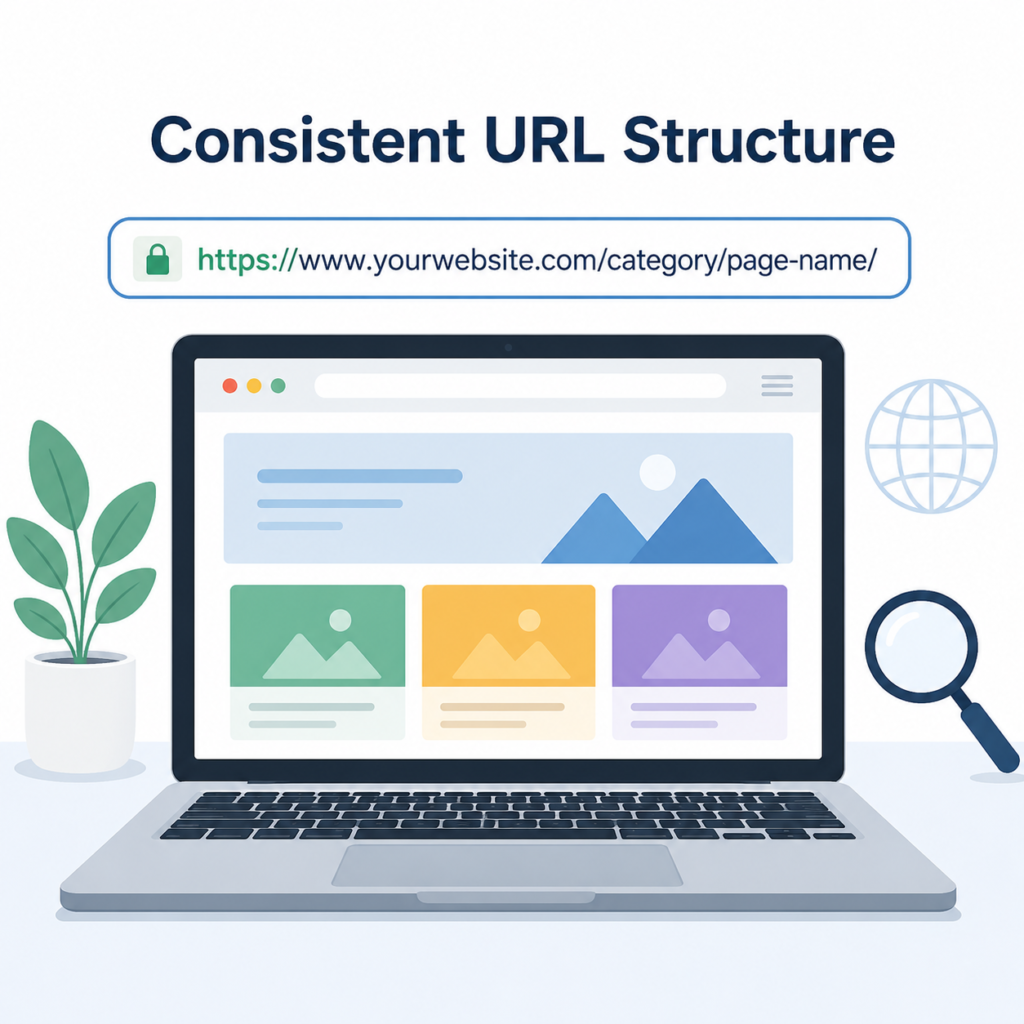
A URL is the address of a webpage. Every page on your website has its own URL, and the way these URLs are organized can make a big difference. A clean and consistent URL structure helps visitors understand where they are on your website and makes it easier for search engines like Google to crawl and index your pages.
Many website owners spend a lot of time creating quality content but forget about organizing their URLs. This small SEO improvement can make your website look more professional and improve its overall performance.
In this article, you’ll learn what a consistent URL structure is, why it matters, and how you can create one for your website.
What Is a URL Structure?
A URL (Uniform Resource Locator) is the web address that people type into their browser to visit a webpage.
For example:
These URLs are simple, easy to read, and tell users exactly what the page is about.
A URL structure is simply the way all the URLs on your website are organized.
When every page follows the same format, your website has a consistent URL structure.
Why Is a Consistent URL Structure Important?
Keeping your URLs organized benefits both visitors and search engines.
Better User Experience
Visitors can easily understand where they are on your website by looking at the URL.
For example:
yourwebsite.com/category/health/
immediately tells users that they are viewing content related to health.
Simple URLs also look more trustworthy.
Easier for Search Engines to Crawl
Search engines crawl websites by following links.
When your URLs are organized logically, search engines can discover and understand your pages more easily.
This increases the chances of your pages being indexed correctly.
Improves Website Organization
As your website grows, you’ll create more pages, blog posts, categories, and products.
A consistent URL structure keeps everything organized.
Managing hundreds of pages becomes much easier.
Supports Better SEO
Clean URLs help search engines understand what each page is about.
Although URLs alone won’t guarantee higher rankings, they contribute to better technical SEO and improve crawl efficiency.
What Does a Good URL Look Like?
A good URL is:
- Short
- Clear
- Easy to read
- Descriptive
- Organized
For example:
yourwebsite.com/blog/seo-checklist/
This URL clearly explains that the page is a blog about an SEO checklist.
Examples of Good URL Structures
Here are a few examples.
Blog
- yourwebsite.com/blog/
- yourwebsite.com/blog/technical-seo-guide/
Categories
- yourwebsite.com/category/health/
- yourwebsite.com/category/fitness/
- yourwebsite.com/category/beauty/
Products
- yourwebsite.com/products/laptop/
- yourwebsite.com/products/mobile-phone/
These URLs follow the same pattern, making the website easy to understand.
Examples of Poor URL Structures
Some URLs create confusion.
For example:
- yourwebsite.com/page123
- yourwebsite.com/?id=45
- yourwebsite.com/post987
- yourwebsite.com/article-final-new
These URLs don’t explain what the page contains.
They are difficult for users to remember and less helpful for search engines.
Best Practices for a Consistent URL Structure
Here are some simple tips to follow.
Keep URLs Short
Short URLs are easier to read and share.
Avoid adding unnecessary words.
Good example:
yourwebsite.com/seo-guide/
Instead of:
yourwebsite.com/complete-best-seo-guide-for-small-business-websites-2026/
Use Simple Words
Choose words that people can easily understand.
Avoid technical terms unless necessary.
Simple URLs are better for everyone.
Include Relevant Keywords
If possible, include the main keyword naturally.
For example:
yourwebsite.com/mobile-seo/
This gives both users and search engines a clear idea about the page.
Use Hyphens Instead of Underscores
Separate words with hyphens.
Example:
yourwebsite.com/content-marketing/
Avoid:
yourwebsite.com/content_marketing/
Hyphens are easier to read and are recommended for SEO.
Use Lowercase Letters
Always keep URLs in lowercase.
Example:
yourwebsite.com/contact-us/
Avoid:
yourwebsite.com/Contact-Us/
Using lowercase helps avoid duplicate URL issues on some servers.
Keep the Same Pattern Across the Website
Every section of your website should follow a similar format.
For example:
- yourwebsite.com/blog/
- yourwebsite.com/category/
- yourwebsite.com/services/
- yourwebsite.com/about-us/
This creates a clean and professional website structure.
Common URL Structure Mistakes
Many websites make simple mistakes that affect SEO.
Using Random Numbers
Avoid URLs like:
yourwebsite.com/post123
These don’t explain anything about the page.
Changing URLs Frequently
Changing URLs without proper redirects can cause broken links and affect SEO.
Only change URLs when absolutely necessary.
Making URLs Too Long
Long URLs are difficult to read and often look untidy.
Keep them simple.
Using Special Characters
Avoid unnecessary symbols such as:
&, %, $, #, @
Clean URLs are always better.
Mixing Different URL Formats
Don’t use one format for blogs and another random format for similar pages.
Stay consistent across your entire website.
URL Structure for WordPress Websites
If you use WordPress, creating SEO-friendly URLs is easy.
Go to:
Settings → Permalinks
Choose a clean permalink structure such as:
Post Name
This creates URLs like:
yourwebsite.com/seo-tips/
instead of:
yourwebsite.com/?p=123
Most SEO experts recommend using the Post Name option because it is simple and user-friendly.
URL Structure for Category Pages
If your website has different categories, organize them properly.
For example:
- yourwebsite.com/category/health/
- yourwebsite.com/category/food/
- yourwebsite.com/category/beauty/
- yourwebsite.com/category/fitness/
If the category has multiple pages, the URLs can be:
- yourwebsite.com/category/health/page/2/
- yourwebsite.com/category/health/page/3/
This keeps everything neat and easy to navigate.
Should You Include Dates in URLs?
Some websites include the publication date in the URL.
Example:
yourwebsite.com/2026/07/seo-guide/
While this works, it can make older content look outdated.
For evergreen articles, it’s often better to use shorter URLs without dates.
Simple Tips to Maintain a Good URL Structure
Follow these easy tips:
- Plan your URL structure before creating pages.
- Use short and meaningful URLs.
- Keep the same format throughout the website.
- Include keywords naturally.
- Avoid unnecessary words.
- Use lowercase letters.
- Separate words with hyphens.
- Don’t change URLs without using redirects.
- Review your URLs regularly.
- Keep category names simple and clear.
These small habits will keep your website organized as it grows.
Final Thoughts
A consistent URL structure may seem like a small detail, but it plays an important role in website organization, SEO, and user experience.
Clean and logical URLs help visitors understand your content, make it easier for search engines to crawl your website, and create a more professional appearance.
Whether you’re building a personal blog, a business website, or an online store, taking the time to organize your URLs is a smart investment.
Start by using simple words, keeping URLs short, following the same structure across your website, and avoiding unnecessary changes. These simple improvements will help your website stay organized, user-friendly, and ready for long-term SEO success.