Have you ever noticed that two or more pages on your website have almost the same content? This is very common, especially on eCommerce websites, blogs, and websites with different URL versions. When search engines find similar pages, they may not know which one should appear in search results.
This is where canonical tags become important.
A canonical tag tells search engines which URL is the main or preferred version of a page. When it is added correctly, it helps Google understand which page should be indexed and ranked. But if the canonical tag is incorrect, it can confuse search engines and hurt your website’s SEO.
In this blog, we will understand what canonical tags are, why they matter, common mistakes people make, and how you can fix incorrect canonical tags on your website.
What Is a Canonical Tag?
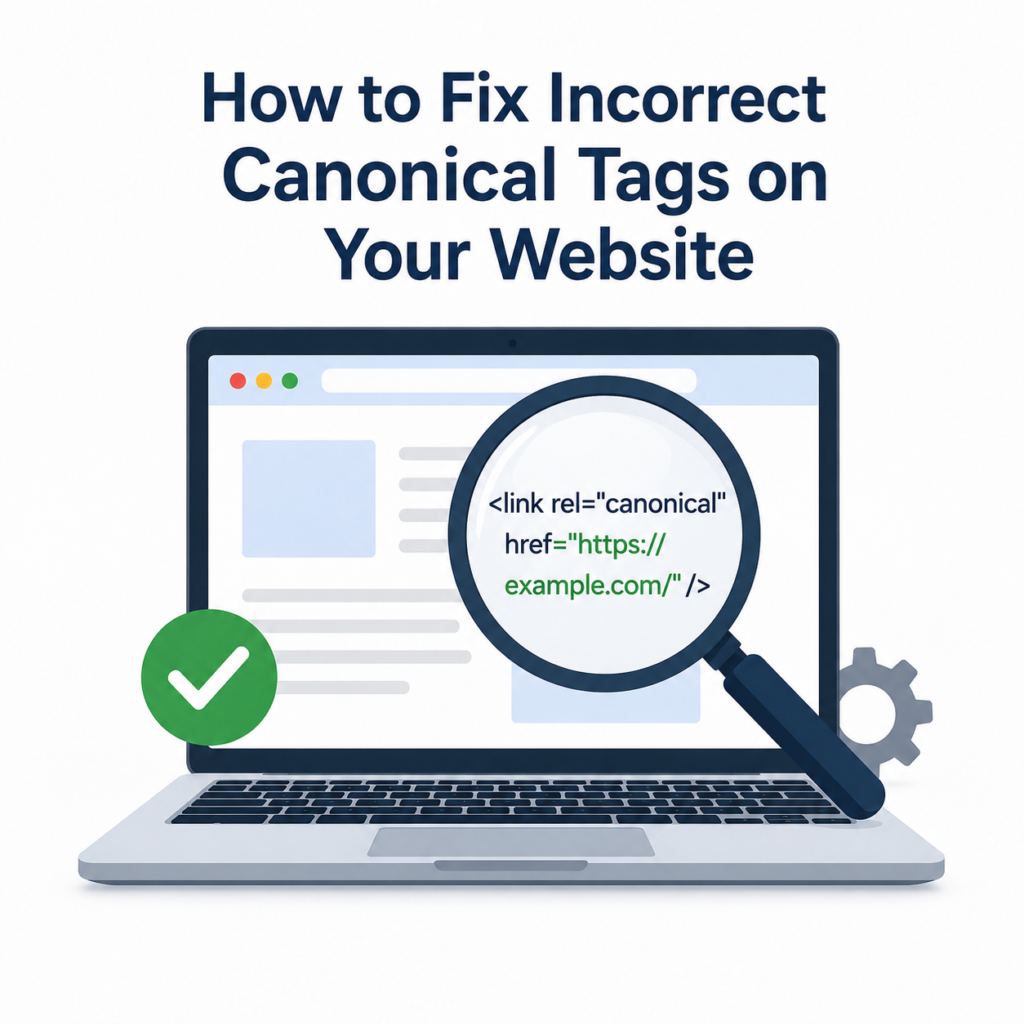
A canonical tag is a small piece of HTML code placed inside the <head> section of a webpage. It tells search engines which version of a page is the original or preferred one.
For example, these URLs may all show the same content:
Without a canonical tag, Google may treat them as separate pages.
With a canonical tag, you can tell Google that the preferred URL is:
This helps search engines focus on one page instead of splitting ranking signals between multiple URLs.
Why Are Canonical Tags Important?
Canonical tags help your website in many ways.
They Prevent Duplicate Content
If multiple URLs contain the same or very similar content, Google may see them as duplicates. Canonical tags help identify the main page.
They Improve SEO
When search engines know the preferred URL, all ranking signals such as backlinks and authority are combined for that page instead of being divided.
They Save Crawl Budget
Google has a limited amount of time to crawl your website. Canonical tags help search engines avoid crawling unnecessary duplicate pages.
They Improve Indexing
Search engines are more likely to index the correct page when canonical tags are set properly.
Signs That Your Canonical Tags Are Incorrect
Your website may have canonical problems if you notice any of these:
- Pages are not getting indexed.
- The wrong page appears in Google search results.
- Google Search Console reports canonical issues.
- Duplicate content warnings appear in SEO tools.
- Traffic suddenly drops after making website changes.
- Similar pages compete against each other in search results.
If you notice these problems, it is a good idea to check your canonical tags.
Common Canonical Tag Mistakes
Here are some of the most common mistakes website owners make.
Pointing to the Wrong URL
Sometimes a page points to another unrelated page.
For example:
The page about “Running Shoes” has a canonical tag pointing to “Sports Bags.”
This tells Google to ignore the running shoes page, which is incorrect.
Canonical Loops
A loop happens when:
- Page A points to Page B.
- Page B points back to Page A.
This creates confusion for search engines.
Multiple Canonical Tags
A page should only have one canonical tag.
If two or more canonical tags are added, Google may ignore them.
Broken Canonical URLs
Sometimes the canonical URL returns a 404 error or no longer exists.
This makes the canonical tag useless.
Using Non-Canonical URLs
The canonical URL should point to a live, working page that returns a 200 status code.
Missing Self-Referencing Canonical Tags
Every important page should normally point to itself unless there is another preferred version.
How to Check Canonical Tags
You do not need to be an SEO expert to check canonical tags.
Here are some simple methods.
View the Page Source
Open any webpage.
Right-click and choose View Page Source.
Search for:
rel=”canonical”
You will see the URL set as the preferred version.
Use Google Search Console
Google Search Console shows whether Google selected your canonical URL or chose a different one.
This is one of the easiest ways to find canonical issues.
Use SEO Audit Tools
Many SEO tools can quickly identify:
- Missing canonical tags
- Incorrect canonical URLs
- Duplicate canonicals
- Broken canonical links
Running regular website audits helps you catch these issues early.
How to Fix Incorrect Canonical Tags
Now let’s look at the solutions.
Choose the Correct Preferred URL
Decide which version of each page should appear in Google.
For example:
Choose only one version:
- HTTPS instead of HTTP
- www or non-www
- Clean URL instead of URLs with tracking parameters
Be consistent across your website.
Update the Canonical Tag
Edit the canonical tag so it points to the correct preferred page.
If the page is the main version, it should point to itself.
Remove Duplicate Canonical Tags
Check your website theme and SEO plugins.
Sometimes both add canonical tags, resulting in duplicates.
Only one canonical tag should remain.
Fix Broken URLs
If the canonical URL returns an error, replace it with a working page.
Always test the URL before saving your changes.
Keep Internal Links Consistent
If your canonical URL is:
Then your internal links should also use that same version.
Avoid linking to different URL variations.
Redirect Old URLs
If old pages are no longer needed, use a 301 redirect to send users and search engines to the preferred page.
This works well together with canonical tags.
Canonical Tag Best Practices
Following these best practices can help avoid future problems.
- Use only one canonical tag per page.
- Use HTTPS if your website is secure.
- Point canonical tags to live pages.
- Add self-referencing canonical tags.
- Keep internal links consistent.
- Avoid using canonical tags for pages with completely different content.
- Check canonical tags after redesigning your website.
- Test your website regularly using SEO audit tools.
Common Questions About Canonical Tags
Do all pages need canonical tags?
Most indexable pages should have a canonical tag, even if it points to itself.
Can canonical tags replace redirects?
No.
Redirects send users to another page, while canonical tags simply tell search engines which page is preferred.
Can Google ignore canonical tags?
Yes.
Google usually follows them but may choose another page if it believes a different version is better.
Will canonical tags improve rankings?
They do not directly increase rankings, but they help search engines understand your website better, which supports better SEO performance.
Final Thoughts
Canonical tags may seem like a small part of technical SEO, but they play a big role in helping search engines understand your website. Incorrect canonical tags can cause duplicate content issues, indexing problems, and lower search visibility.
The good news is that these problems are usually easy to fix. Start by checking your important pages, make sure every canonical tag points to the correct preferred URL, remove duplicate or broken tags, and keep your website consistent.
Regular SEO audits can help you find and fix canonical issues before they affect your rankings. By taking a little time to maintain your canonical tags, you make it easier for search engines to crawl, index, and rank your website correctly, leading to a healthier website and better long-term SEO results.