If you are learning SEO, you may have heard people talking about URL parameters and stop words. These terms sound technical, so many beginners think they are difficult to understand.
The truth is, they are quite simple.
If you know what they are and how they affect your website, you can create cleaner URLs that are easier for both Google and your visitors to understand.
In this blog, we’ll explain everything in simple language without using confusing technical words.
What Is a URL?
A URL is the address of a webpage.
For example:
https://yourwebsite.com/seo-checklist
When someone clicks this URL, they visit that page on your website.
A good URL should be short, simple, and easy to understand.
What Are URL Parameters?
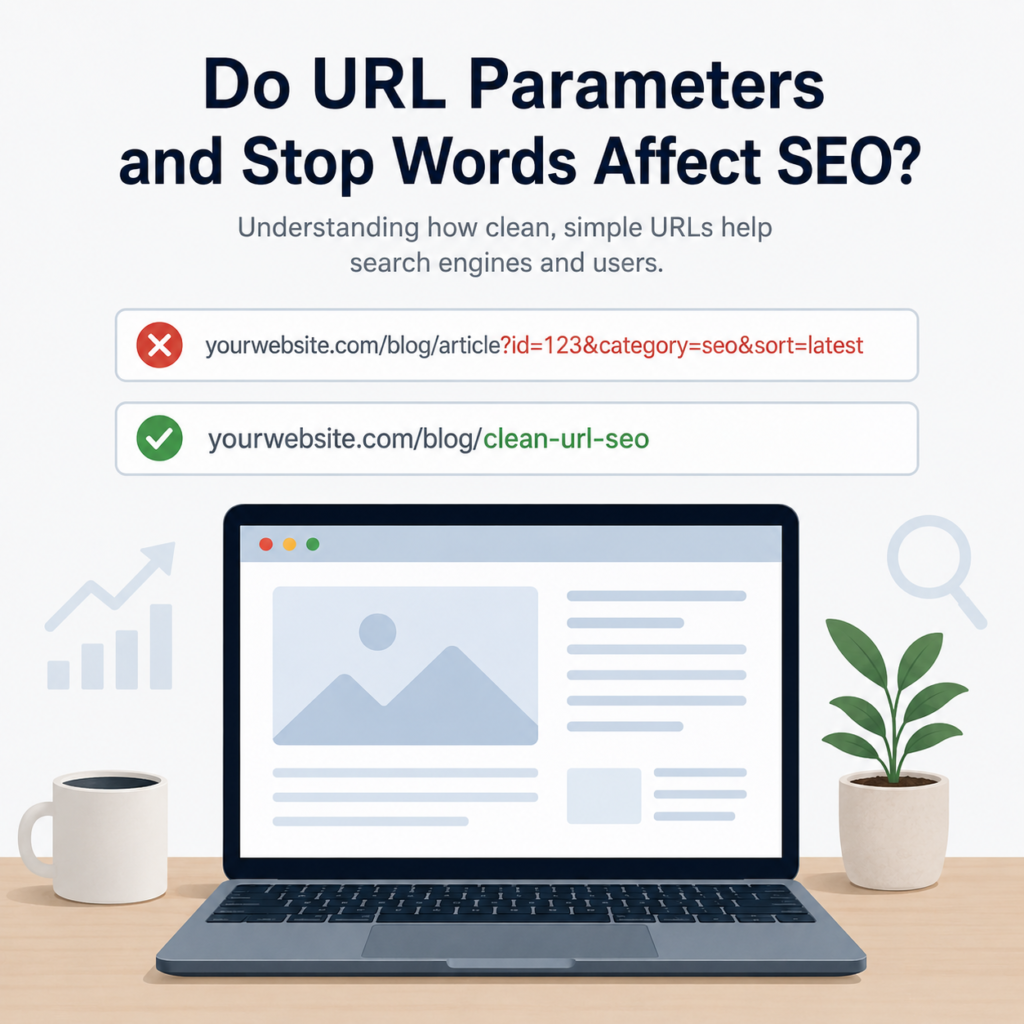
URL parameters are extra pieces of information added to the end of a URL.
They usually start with a question mark (?) and may include symbols like = and &.
For example:
https://yourwebsite.com/products?color=blue
or
https://yourwebsite.com/shoes?size=9&brand=nike
In these examples:
- ?color=blue is a parameter.
- ?size=9 and &brand=nike are also parameters.
These parameters help websites show different versions of the same page.
For example, they may be used to:
- Filter products by color.
- Sort products by price.
- Show search results.
- Track visitors from ads or emails.
So, URL parameters are not bad. They have useful purposes.
Do URL Parameters Affect SEO?
Sometimes they do.
If many different URLs show the same page but only the parameters change, Google may find several versions of the same content.
For example:
yourwebsite.com/shoes
yourwebsite.com/shoes?sort=price
yourwebsite.com/shoes?color=black
All of these may lead to almost the same page.
This can make it harder for search engines to understand which version is the main one.
That is why unnecessary URL parameters should be avoided whenever possible.
If your website really needs them, make sure they are managed properly.
What Are Stop Words?
Stop words are very common words that people use in everyday language.
Some examples are:
- a
- an
- the
- and
- of
- for
- in
- on
- with
- to
These words help us write natural sentences.
But in many URLs, they are not needed.
Should You Remove Stop Words from URLs?
In many cases, yes.
Removing unnecessary stop words can make your URL shorter and easier to read.
For example:
Instead of:
yourwebsite.com/how-to-create-a-website-for-small-business
You can write:
yourwebsite.com/create-website-small-business
Both URLs explain the same topic.
The second one is cleaner and easier to remember.
However, don’t remove words if doing so makes the URL confusing.
Your first goal should always be clarity.
Why Are Clean URLs Better?
Clean URLs are easier for everyone.
Visitors can quickly understand what the page is about.
Search engines can also read and understand the page more easily.
For example:
yourwebsite.com/healthy-breakfast-recipes
is much better than
yourwebsite.com/page?id=34567
The first URL clearly explains the topic.
The second one does not.
When Should You Keep URL Parameters?
There are situations where URL parameters are necessary.
For example:
- Online shopping websites use filters.
- Travel websites let users sort hotels.
- Search pages display different results.
- Marketing campaigns use tracking links.
In these cases, parameters are helpful.
You should only remove parameters that are unnecessary.
Simple Tips for Better URLs
Creating a good URL is easier than many people think.
Keep these simple ideas in mind:
- Keep your URLs short.
- Use your main keyword naturally.
- Remove unnecessary stop words.
- Avoid unnecessary URL parameters.
- Use hyphens instead of underscores.
- Use lowercase letters.
- Make your URL easy to understand.
These small changes can make your website look cleaner and more professional.
Common Mistakes to Avoid
Many beginners make these mistakes:
- Creating very long URLs.
- Adding too many parameters.
- Keeping unnecessary words.
- Using random numbers.
- Stuffing keywords into the URL.
- Using special characters.
Avoiding these mistakes helps create better URLs.
Does Removing Stop Words Improve Rankings?
Not by itself.
Removing words like the, and, or for will not suddenly move your website to the first page of Google.
But shorter and cleaner URLs are easier to read and easier to share.
They also make your website look more organized.
Think of it as one small part of good SEO.
Final Thoughts
So, do URL parameters and stop words affect SEO?
The answer is yes, but only in the right context.
URL parameters are useful for filtering products, tracking visitors, and showing different versions of a page. However, unnecessary parameters can create multiple URLs for the same content, which may confuse search engines.
Stop words are common words like the, and, of, and for. They are helpful in normal writing, but many of them can be removed from URLs to make them shorter and easier to read.
Whenever you create a new page, try to keep the URL simple, descriptive, and meaningful. Remove anything that is not needed, but never remove words if it makes the URL confusing.
A clean URL may seem like a small detail, but it helps create a better experience for both your visitors and search engines. Over time, these small improvements can make your website look more professional and support your overall SEO efforts.