When people think about SEO, they usually focus on keywords, content, backlinks, and page speed. While these are all important, there is another issue that many website owners forget about—orphan pages.
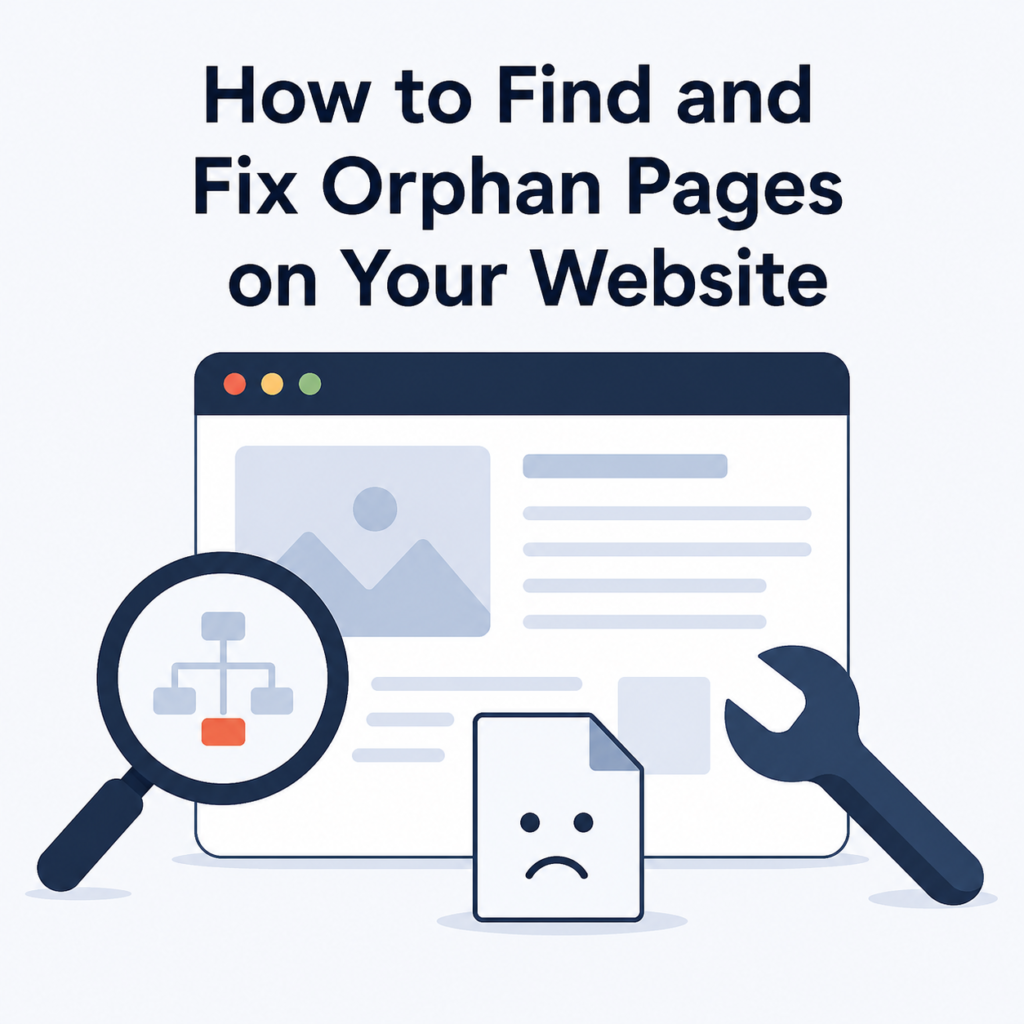
Orphan pages are pages on your website that have no internal links pointing to them. This means visitors and search engines cannot easily find them by browsing your website. Even if the page has useful content, it may not get indexed properly or receive enough traffic.
The good news is that orphan pages are easy to fix once you find them. In this blog, you’ll learn what orphan pages are, why they matter, how to find them, and the best ways to fix them.
What Are Orphan Pages?
An orphan page is a webpage that exists on your website but is not linked from any other page on the site.
For example, imagine you publish a new blog post but forget to add it to your blog page, category page, or any related articles. The page is live, but there are no links leading to it. Unless someone has the exact URL, they may never find it.
Search engines also rely on internal links to discover and understand your website. If a page has no internal links, it becomes an orphan page.
Why Are Orphan Pages Bad for SEO?
Orphan pages can create several SEO problems.
Search Engines May Not Find Them
Google usually discovers pages by following links. If there are no internal links pointing to a page, search engines may take longer to find it or may not find it at all.
Lower Search Rankings
Pages without internal links receive very little authority from the rest of your website. As a result, they may struggle to rank in search results.
Poor User Experience
Visitors navigate websites using menus, categories, and links. If an important page is not connected to your website, users are less likely to find it.
Wasted Content
You may spend hours writing a helpful article, but if nobody can find it, all that effort goes to waste.
Crawl Budget Issues
Search engines spend a limited amount of time crawling your website. A well-organized website helps search engines crawl your content more efficiently.
Common Reasons Orphan Pages Are Created
Orphan pages can appear for many reasons.
Some of the most common causes include:
- Publishing a page without linking to it.
- Removing links during a website redesign.
- Deleting category pages.
- Creating landing pages for marketing campaigns.
- Importing old website content.
- Forgetting to update navigation menus.
- Removing blog posts that linked to other pages.
These mistakes happen more often than many website owners realize.
How to Find Orphan Pages
Finding orphan pages may sound difficult, but there are several simple ways to do it.
Use Google Search Console
Google Search Console can show pages that Google has discovered and indexed.
Compare these pages with the pages linked on your website. If some indexed pages have no internal links, they may be orphan pages.
Use an SEO Audit Tool
Many SEO tools can scan your website and identify pages that have no incoming internal links.
These tools save time and make it much easier to find orphan pages, especially on large websites.
Check Your XML Sitemap
Your sitemap contains a list of important pages.
Compare the sitemap with your website’s internal linking structure.
If a page appears in the sitemap but has no internal links, it could be an orphan page.
Crawl Your Website
Website crawling tools can scan every page and show how pages are connected.
If a page has zero internal links pointing to it, it is likely an orphan page.
Review Recently Published Pages
Sometimes the simplest solution is to check your latest blog posts and pages manually.
Ask yourself:
- Is this page linked from another page?
- Can visitors easily find it?
If the answer is no, the page needs attention.
How to Fix Orphan Pages
Once you find orphan pages, you have several options.
Add Internal Links
This is usually the best solution.
Link the orphan page from relevant pages on your website.
For example:
- Add links from related blog posts.
- Link from category pages.
- Include the page in your navigation menu if it is important.
- Add it to your homepage if it deserves more visibility.
The more natural and relevant the links are, the better.
Update Related Blog Posts
If you have older articles that discuss similar topics, add links to the orphan page.
This helps both users and search engines discover the content.
Add the Page to Category Pages
Every blog post should belong to a category.
Category pages make it easier for visitors to browse related content and improve internal linking.
Include It in Navigation
Important service pages, contact pages, and product pages should be accessible through your website menu whenever appropriate.
This improves both usability and SEO.
Remove Unnecessary Pages
Not every orphan page needs to stay.
If the page is outdated, has no value, or receives no traffic, consider removing it.
If another page covers the same topic, redirect the old page to the newer one using a 301 redirect.
Best Practices to Prevent Orphan Pages
It is always better to prevent orphan pages than fix them later.
Here are some simple habits to follow.
Always Add Internal Links
Whenever you publish a new page, add links from at least two or three existing pages.
This helps search engines discover the page quickly.
Keep Your Website Organized
Use categories, tags, and navigation menus to organize your content.
A clear website structure helps both visitors and search engines.
Update Older Articles
Every time you publish new content, revisit older articles and add links where they make sense.
This keeps your website connected.
Perform Regular SEO Audits
Checking your website every few months can help you catch orphan pages before they become a bigger problem.
Maintain an Updated Sitemap
Make sure your XML sitemap includes only important pages and stays updated whenever new content is published.
Mistakes to Avoid
Many website owners accidentally create new orphan pages while trying to improve their website.
Avoid these common mistakes:
- Publishing pages without linking them.
- Deleting category pages without updating links.
- Creating hidden landing pages that are never linked.
- Removing internal links during website updates.
- Forgetting to check internal links after redesigning the website.
Being careful during website changes can prevent these issues.
Benefits of Fixing Orphan Pages
Fixing orphan pages can improve your website in many ways.
Some of the biggest benefits include:
- Better website structure.
- Faster discovery by search engines.
- Improved indexing.
- Stronger internal linking.
- Better user experience.
- Higher chances of ranking in search results.
- Increased organic traffic.
- Better use of your existing content.
Small improvements like these often make a noticeable difference over time.
Final Thoughts
Orphan pages are easy to overlook, but they can quietly affect your website’s SEO and user experience. A page with no internal links is much harder for both visitors and search engines to find, which means valuable content may never get the attention it deserves.
The best way to fix orphan pages is to review your website regularly, identify pages that are not connected to the rest of your content, and add relevant internal links. If a page is no longer useful, remove it or redirect it to a more relevant page.
A well-connected website is easier to crawl, easier to navigate, and more likely to perform well in search results. By making internal linking a regular part of your SEO strategy, you can improve your website’s structure, help search engines understand your content, and give visitors a better browsing experience.