When we talk about SEO, most people think about keywords, backlinks, or writing great content. These things are important, but there is one small detail that many people forget—the URL.
A URL is the address of your webpage. Even though it is small, it can help both Google and your visitors understand your page.
A clean and simple URL looks professional, is easy to read, and can support your SEO efforts. On the other hand, a long or confusing URL can make your page look messy and harder to understand.
The good news is that creating an SEO-friendly URL is very easy. You don’t need any special skills. You just need to follow a few simple rules.
What Is a URL?
A URL is the web address that opens a page on your website.
For example:
Good URL
yourwebsite.com/healthy-breakfast-recipes
Poor URL
yourwebsite.com/post?id=56789&page=12
The first URL clearly tells us that the page is about healthy breakfast recipes. The second URL gives no idea what the page contains.
This is why a clear URL is always a better choice.
Why Does a URL Matter for SEO?
Google tries to understand every page on your website. A descriptive URL gives Google another clue about your content.
A good URL also helps your visitors. Before they even click your page, they can understand what they are going to read.
A clean URL also looks more trustworthy when people share it on social media, WhatsApp, or email.
Keep Your URL Short
One of the biggest mistakes people make is creating very long URLs.
For example:
yourwebsite.com/how-to-create-the-best-seo-friendly-url-for-your-website-in-2026-with-easy-tips
This URL is much longer than it needs to be.
A better version would be:
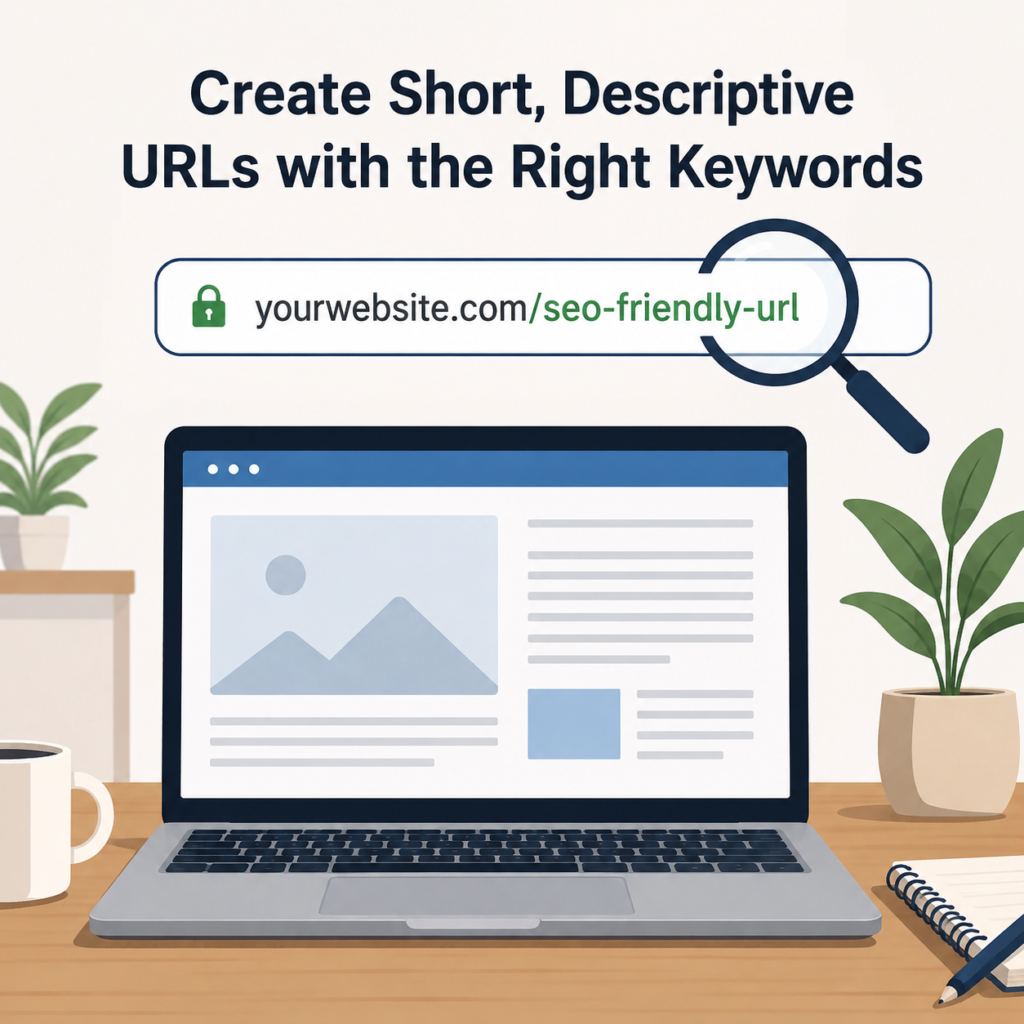
yourwebsite.com/seo-friendly-url
The shorter URL is easier to read, easier to remember, and looks much cleaner.
Always remove extra words that do not add value.
Include Your Primary Keyword
Your main keyword should be part of your URL whenever possible.
For example, if your article is about Home Workout Tips, your URL can be:
yourwebsite.com/home-workout-tips
If your page is about Email Marketing, your URL can be:
yourwebsite.com/email-marketing
Adding your primary keyword helps Google understand the topic of your page.
However, only use the keyword naturally.
Do Not Stuff Keywords
Some people believe adding the same keyword again and again will improve rankings.
For example:
yourwebsite.com/seo-seo-best-seo-seo-guide
This looks spammy and is difficult to read.
A better URL is:
yourwebsite.com/seo-guide
One relevant keyword is enough.
Remember, your URL should help people, not confuse them.
Make Your URL Descriptive
Your URL should describe exactly what your page is about.
If someone reads your URL, they should immediately understand the topic.
For example:
Blog Title:
Easy Weight Loss Tips for Beginners
URL:
yourwebsite.com/weight-loss-tips
Even without opening the page, visitors know what they will find.
Remove Unnecessary Words
Words like the, and, of, for, with, a, and an usually do not make your URL better.
Instead of writing:
yourwebsite.com/how-to-create-a-website-for-small-business
Write:
yourwebsite.com/create-website-small-business
It says the same thing but in fewer words.
Always Use Hyphens
Separate words with hyphens (-).
For example:
yourwebsite.com/content-writing-tips
Do not write:
yourwebsite.com/content_writing_tips
or
yourwebsite.com/contentwritingtips
Hyphens make your URLs much easier to read.
Avoid Numbers and Random Characters
Your URL should stay clean.
Avoid URLs like:
yourwebsite.com/post123
yourwebsite.com/page?id=456
yourwebsite.com/article-98765
These URLs do not explain anything about your page.
Instead, use words that describe your content.
Use Lowercase Letters
Always create URLs using lowercase letters.
For example:
yourwebsite.com/seo-checklist
This keeps your website consistent and avoids unnecessary confusion.
Think Before You Publish
After publishing your page, try not to change the URL.
Changing URLs later may affect your SEO and can create broken links if redirects are not added.
So, spend a few extra minutes creating a good URL before publishing your content.
Good URL Examples
Here are some examples of simple and SEO-friendly URLs:
- yourwebsite.com/healthy-food
- yourwebsite.com/seo-tips
- yourwebsite.com/content-writing
- yourwebsite.com/yoga-for-beginners
- yourwebsite.com/digital-marketing
- yourwebsite.com/skin-care-routine
These URLs are short, clear, and easy to understand.
Common URL Mistakes
Avoid these common mistakes:
- Making URLs too long.
- Using random numbers.
- Repeating keywords many times.
- Using special characters.
- Writing words without hyphens.
- Changing URLs after publishing.
- Forgetting to include the main keyword.
Avoiding these mistakes can make your website cleaner and easier to understand.
Final Thoughts
Creating a good URL is one of the easiest SEO improvements you can make.
Whenever you publish a new page or blog, keep your URL short, descriptive, and easy to read. Include your primary keyword naturally, remove unnecessary words, and use hyphens between words.
A simple URL helps Google understand your content and makes it easier for visitors to know what your page is about.
Remember, a great URL doesn’t have to be long or complicated. The simpler it is, the better it works for both your readers and your website’s SEO.