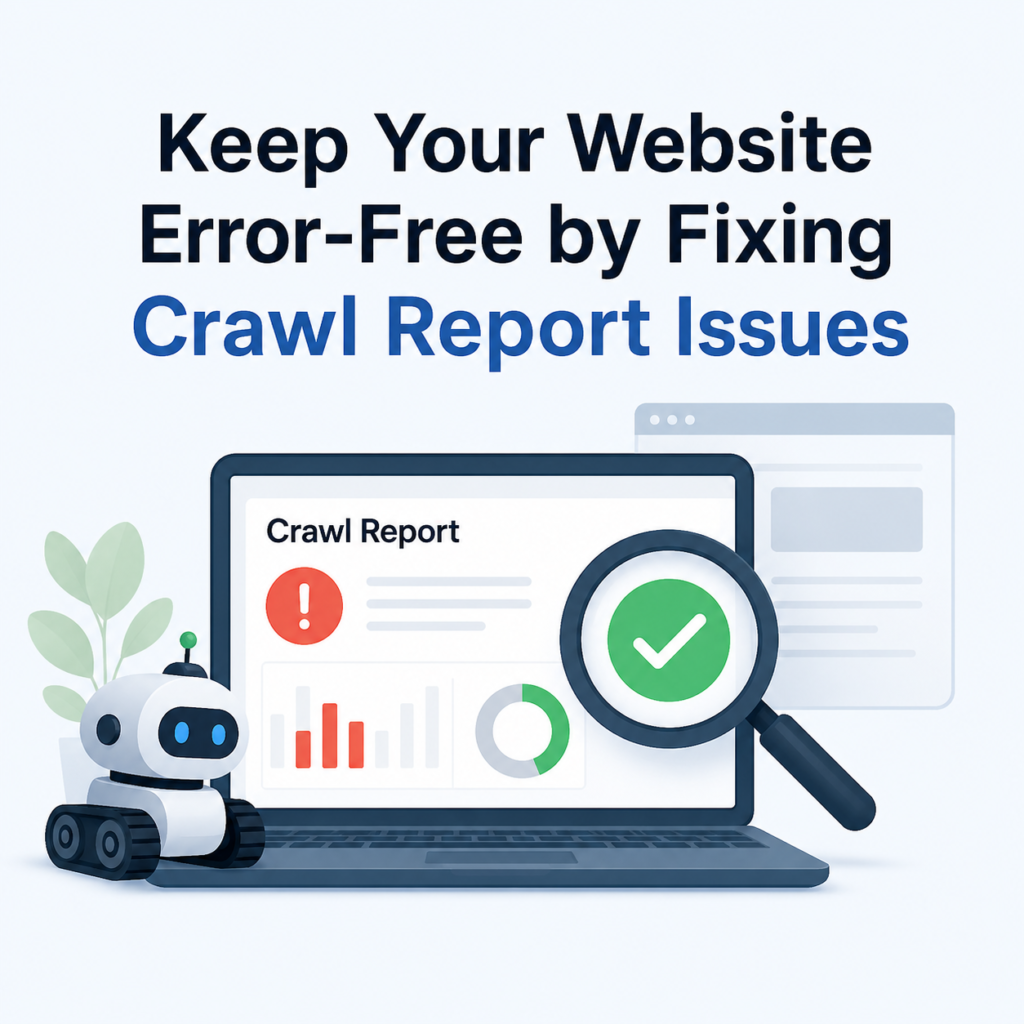
Your website is one of your most valuable online assets. Whether you run a blog, an online store, or a business website, you want visitors and search engines to access your pages without any problems. However, websites can sometimes develop issues that stop pages from loading correctly. These problems are known as crawl errors.
When search engines like Google crawl your website, they look for pages to index and display in search results. If they encounter missing pages or server problems, they record these issues in crawl reports. Ignoring these reports can lead to poor SEO performance, lower rankings, and a frustrating experience for your visitors.
The good news is that most crawl errors are easy to identify and fix. In this guide, you’ll learn what crawl errors are, why they matter, and how to resolve 404 and 5xx server errors to keep your website healthy.
What Are Crawl Errors?
Crawl errors occur when a search engine crawler tries to visit a page on your website but cannot access it successfully.
Google regularly scans websites to discover new pages, update existing content, and understand your site’s structure. If a page cannot be reached, Google reports the issue in its crawl report.
The two most common crawl errors are:
- 404 Errors (Page Not Found)
- 5xx Server Errors
Fixing these errors helps search engines crawl your website more efficiently.
Why Crawl Reports Are Important
Crawl reports help you understand which pages Google is having trouble accessing.
By reviewing these reports regularly, you can:
- Find broken pages
- Discover server issues
- Improve website health
- Increase search visibility
- Provide a better user experience
Ignoring crawl reports can cause important pages to disappear from Google Search.
Understanding 404 Errors
A 404 error means the requested page cannot be found.
This happens when someone visits a page that no longer exists.
Common Causes of 404 Errors
Several situations can create a 404 error.
Deleted Pages
A page may have been removed without creating a redirect.
Changed URLs
Sometimes website owners change page URLs but forget to update old links.
Broken Internal Links
Your website may still link to pages that no longer exist.
Incorrect URL
Visitors may type the wrong website address or click a broken link from another website.
Understanding 5xx Server Errors
A 5xx error indicates that the problem is on the server instead of the webpage.
The server receives the request but cannot complete it.
Common Types of Server Errors
500 Internal Server Error
A general server issue that prevents the page from loading.
502 Bad Gateway
One server receives an invalid response from another server.
503 Service Unavailable
The server is temporarily unavailable because of maintenance or high traffic.
504 Gateway Timeout
The server takes too long to respond to the request.
Why Fixing Crawl Errors Matters
Many website owners underestimate crawl errors, but they can negatively affect SEO.
Better Indexing
Google can only index pages it can access.
Improved User Experience
Visitors are less likely to leave your website when every page works properly.
Stronger SEO Performance
A healthy website allows search engines to crawl more pages successfully.
Efficient Crawl Budget
Google spends less time on broken pages and more time discovering useful content.
How to Find Crawl Errors
There are several ways to identify crawl issues.
Use Google Search Console
Google Search Console is one of the best free tools for finding crawl errors.
It shows:
- Pages with 404 errors
- Server errors
- Pages excluded from indexing
- Crawl statistics
Use Website Crawling Tools
SEO tools can scan your entire website and identify:
- Broken links
- Missing pages
- Redirect problems
- Server issues
Check Website Logs
Server logs provide detailed information about requests that failed.
They are especially useful for diagnosing server errors.
How to Fix 404 Errors
The solution depends on why the page is missing.
Restore Deleted Pages
If a page was removed accidentally, restore it.
Once available again, Google can crawl and index it normally.
Create a 301 Redirect
If the page has moved to a new URL, create a permanent (301) redirect.
This automatically sends visitors and search engines to the new page.
Update Internal Links
Search your website for links pointing to deleted pages.
Replace them with the correct URLs.
Remove Outdated Links
If the page is permanently gone and has no replacement, remove any unnecessary links pointing to it.
How to Fix 5xx Server Errors
Server errors usually require checking your hosting or website configuration.
Check Your Hosting Provider
Temporary server outages can cause crawl errors.
Contact your hosting provider if the issue continues.
Review Server Logs
Logs often reveal the exact cause of the problem.
This helps you fix configuration or software issues quickly.
Disable Faulty Plugins
If you use WordPress, recently installed plugins may conflict with your website.
Disable them one by one to identify the problem.
Increase Server Resources
High traffic can overload your server.
Upgrading your hosting plan or increasing server resources can improve performance.
Check Website Configuration
Review recent changes to your website configuration.
Incorrect settings may trigger server errors.
Best Practices to Prevent Crawl Errors
Preventing crawl errors is easier than fixing them later.
Monitor Your Website Regularly
Check your website every month for broken pages.
Keep Internal Links Updated
Replace outdated links whenever pages move.
Use Reliable Web Hosting
Choose a hosting provider with good uptime and performance.
Update Website Software
Keep your CMS, plugins, and themes updated.
Test After Major Changes
Always test your website after redesigns or migrations.
Review Crawl Reports Frequently
Regular monitoring helps you fix issues before they affect SEO.
Benefits of Keeping Crawl Reports Clean
A healthy website provides several long-term advantages.
Better Search Rankings
Search engines can crawl and index your pages more efficiently.
Faster Page Discovery
New content is found and indexed more quickly.
Improved User Trust
Visitors are more likely to stay on a website without broken pages.
Better Website Performance
Fixing server issues improves overall reliability.
Higher SEO Value
A technically healthy website supports better long-term SEO growth.
Common Mistakes to Avoid
Avoid these mistakes when fixing crawl errors.
Ignoring Crawl Reports
Small issues can become major SEO problems over time.
Redirecting Every Missing Page to the Homepage
Only redirect pages to relevant content.
Deleting Pages Without Redirects
Always create a redirect when moving important content.
Leaving Broken Internal Links
Regularly audit your website for outdated links.
Ignoring Server Performance
Low or unreliable servers can create recurring crawl problems.
Final Thoughts
Keeping your website error-free is an essential part of maintaining good SEO and delivering a great user experience. Regularly reviewing crawl reports helps you identify 404 errors and 5xx server errors before they affect your rankings or frustrate your visitors.
By restoring missing pages, setting up proper redirects, fixing broken links, and resolving server issues, you make it easier for search engines to crawl and index your website. Make it a habit to check your crawl reports regularly and address issues as soon as they appear. A healthy website not only performs better in search results but also builds trust with your visitors and supports long-term online success.